 Mac Control
macOS Controls for Stream Deck
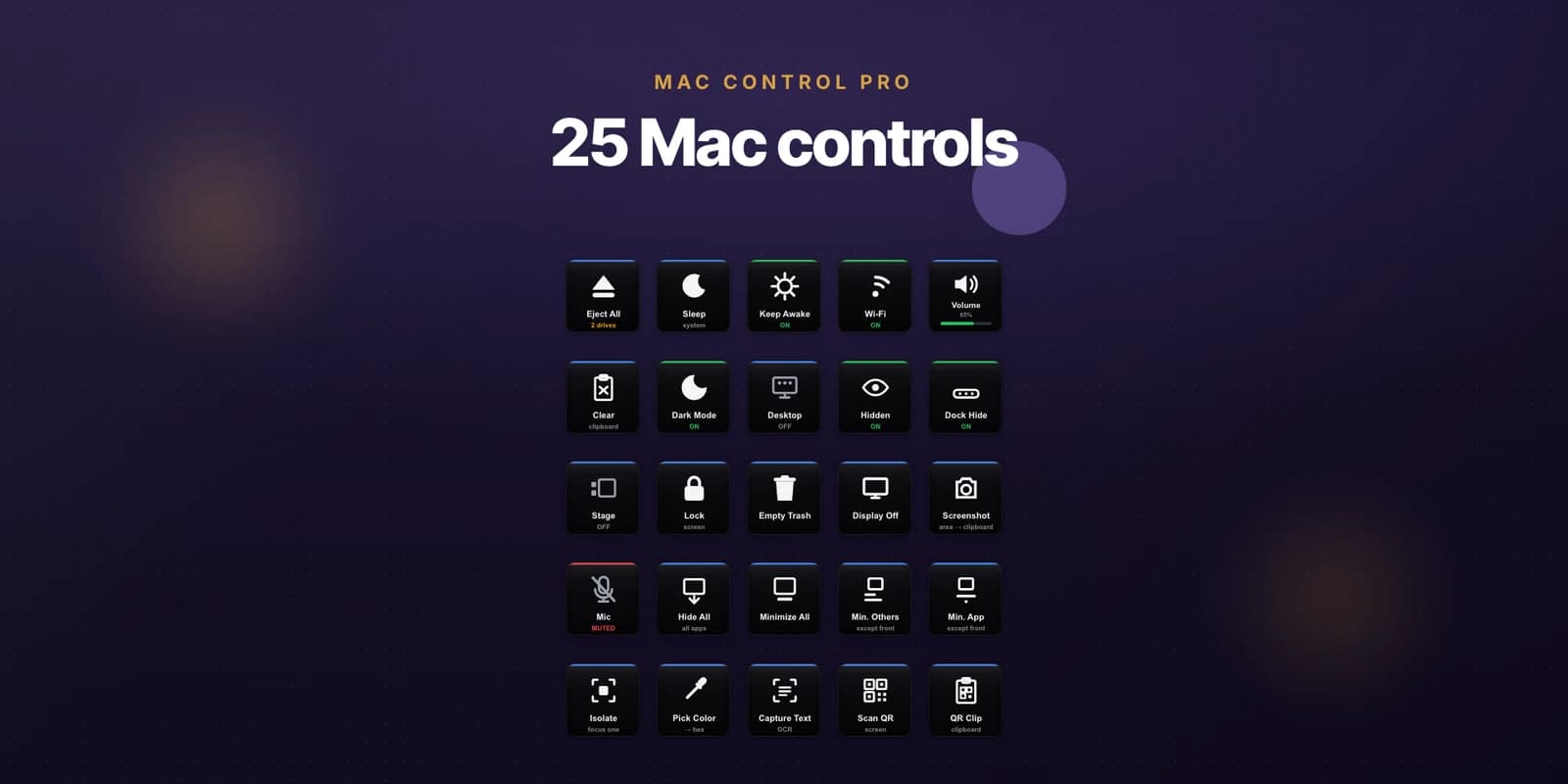
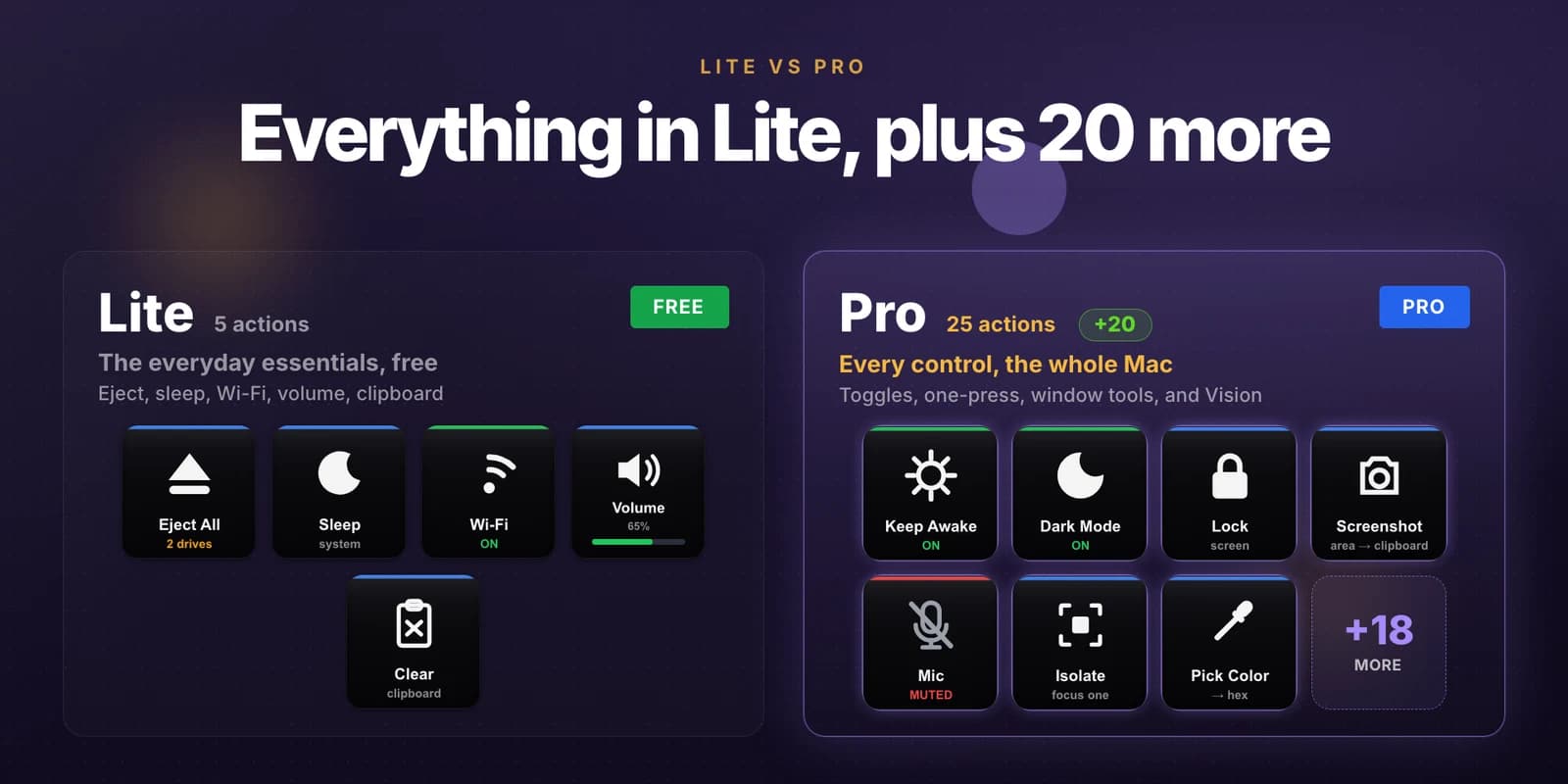
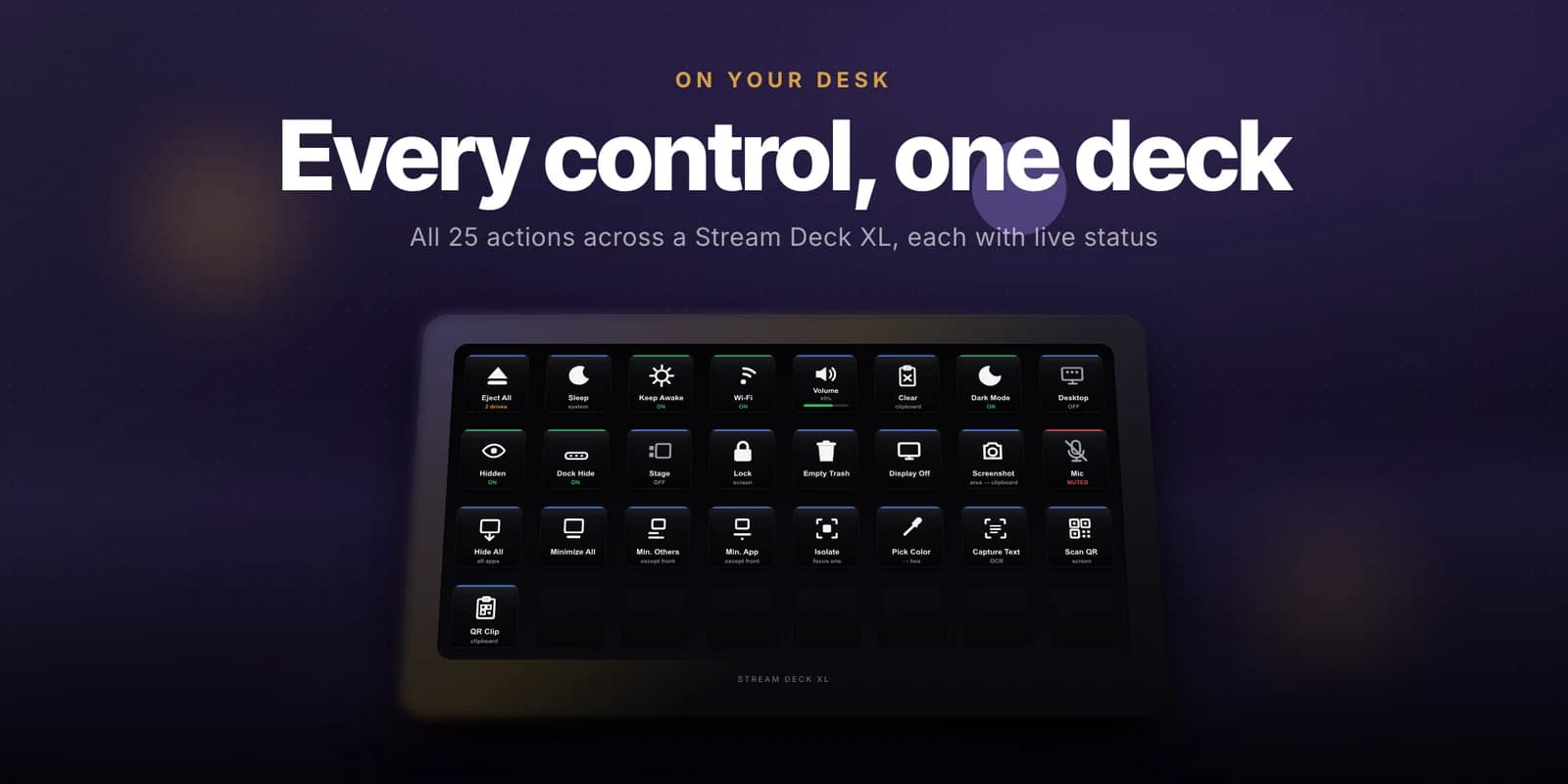
Mac Control puts the settings you dig through System Settings for onto physical keys. The free Lite edition covers the five everyday essentials - Eject All, Sleep, Wi-Fi, Volume, and Clear Clipboard - and needs no permission prompts at all. Mac Control Pro adds twenty more: live-state toggles for Dark Mode, Desktop Icons, Hidden Files, Dock Auto-hide, and Stage Manager; one-press Lock Screen, Empty Trash, Display Off, Screenshot, Keep Awake, and Mic Mute; five window-management actions; and Vision capture that picks a screen colour as hex, OCRs a region, or scans a QR code straight to your clipboard. Every toggle shows its real state on the key, so you always see what is on.
Highlights
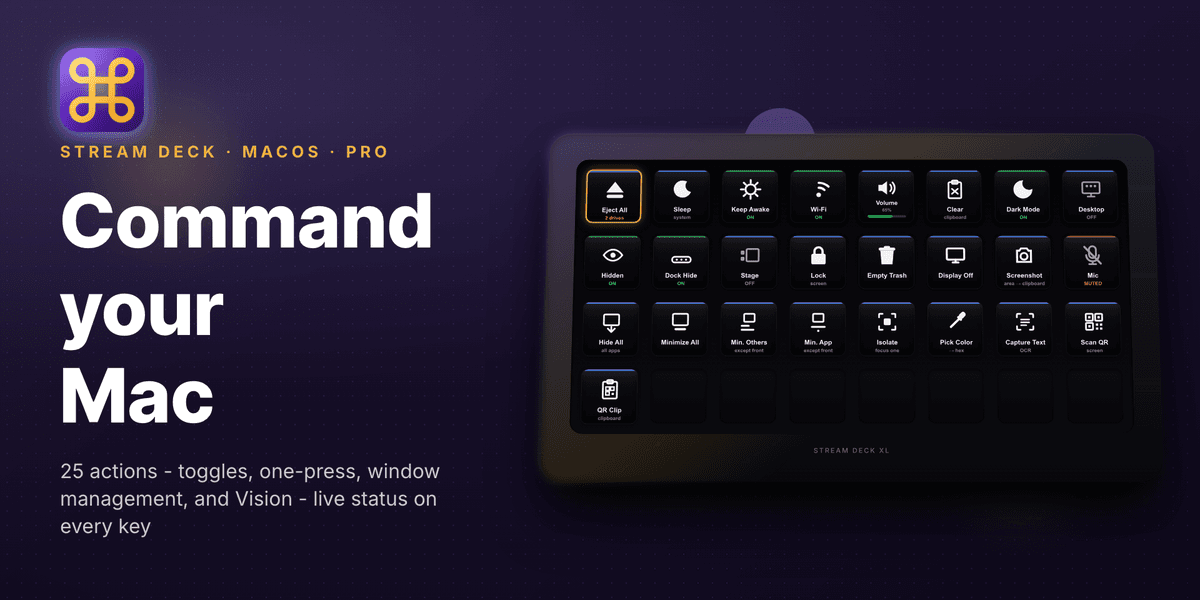
Screenshots
How it Works
Install the Plugin
Add Mac Control Lite free, or Mac Control Pro for all 25 actions.
Drop Actions on Keys
Place the controls you use onto keys, or a Stream Deck + dial for volume.
Grant a Permission If Asked
The Lite actions need none. A permission-gated Pro action opens the exact System Settings pane for you the first time.
Press to Control
One press acts, and the key shows the current state for every toggle.
Features
Everyday Essentials, Free
Eject every external drive, sleep the Mac, toggle Wi-Fi, set the volume, and clear the clipboard - the Lite edition, with no permission prompts.
Live-State Toggles
Dark Mode, Desktop Icons, Hidden Files, Dock Auto-hide, and Stage Manager each show their real state on the key, so you never guess.
Window Management
Hide all windows, minimize everything, minimize all but the front window, or isolate the one window you are working in.
Vision Capture
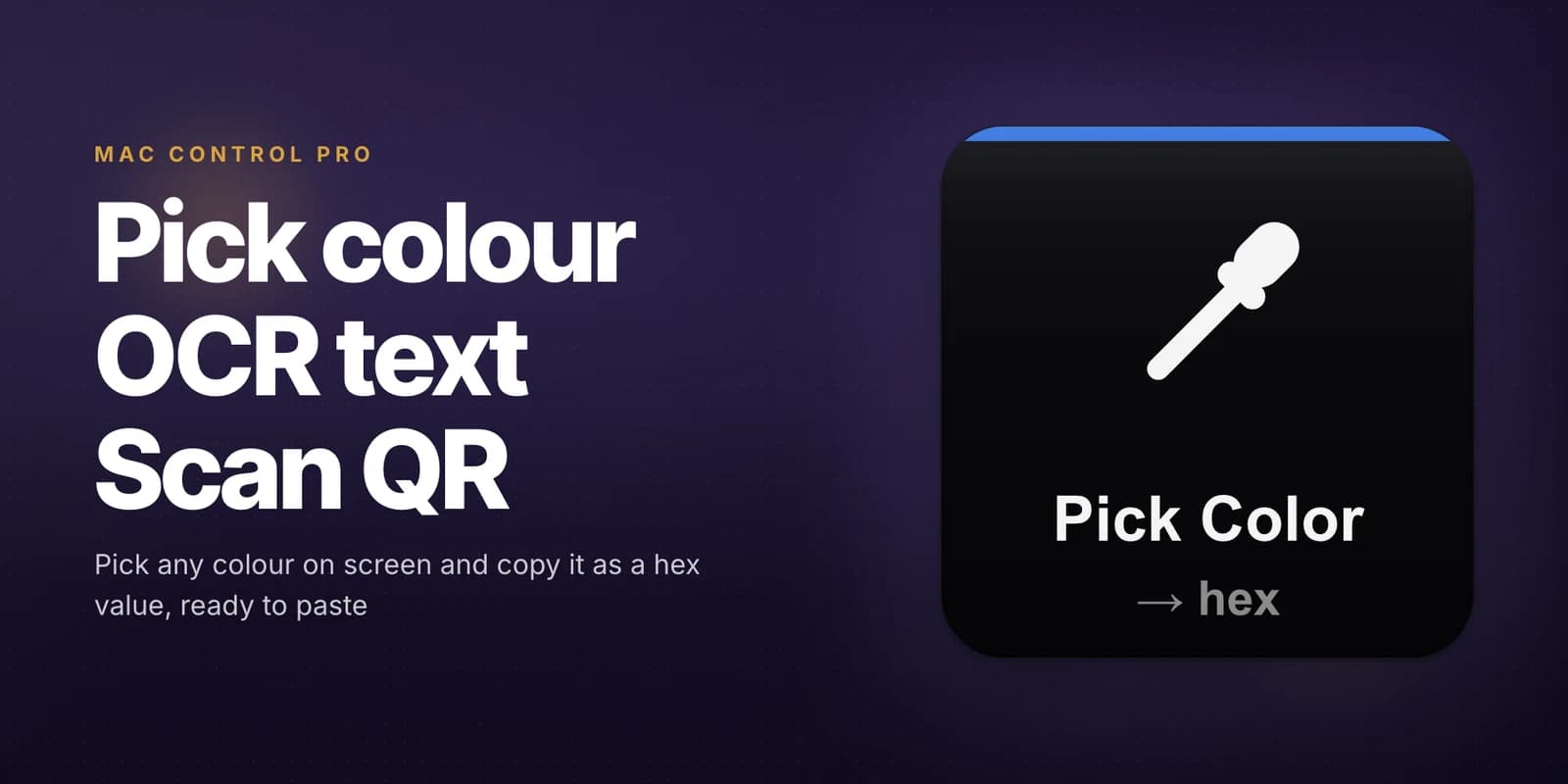
Pick any screen colour as a hex value, OCR a region to your clipboard, or scan a QR code on screen or in a copied image.
Screenshot Your Way
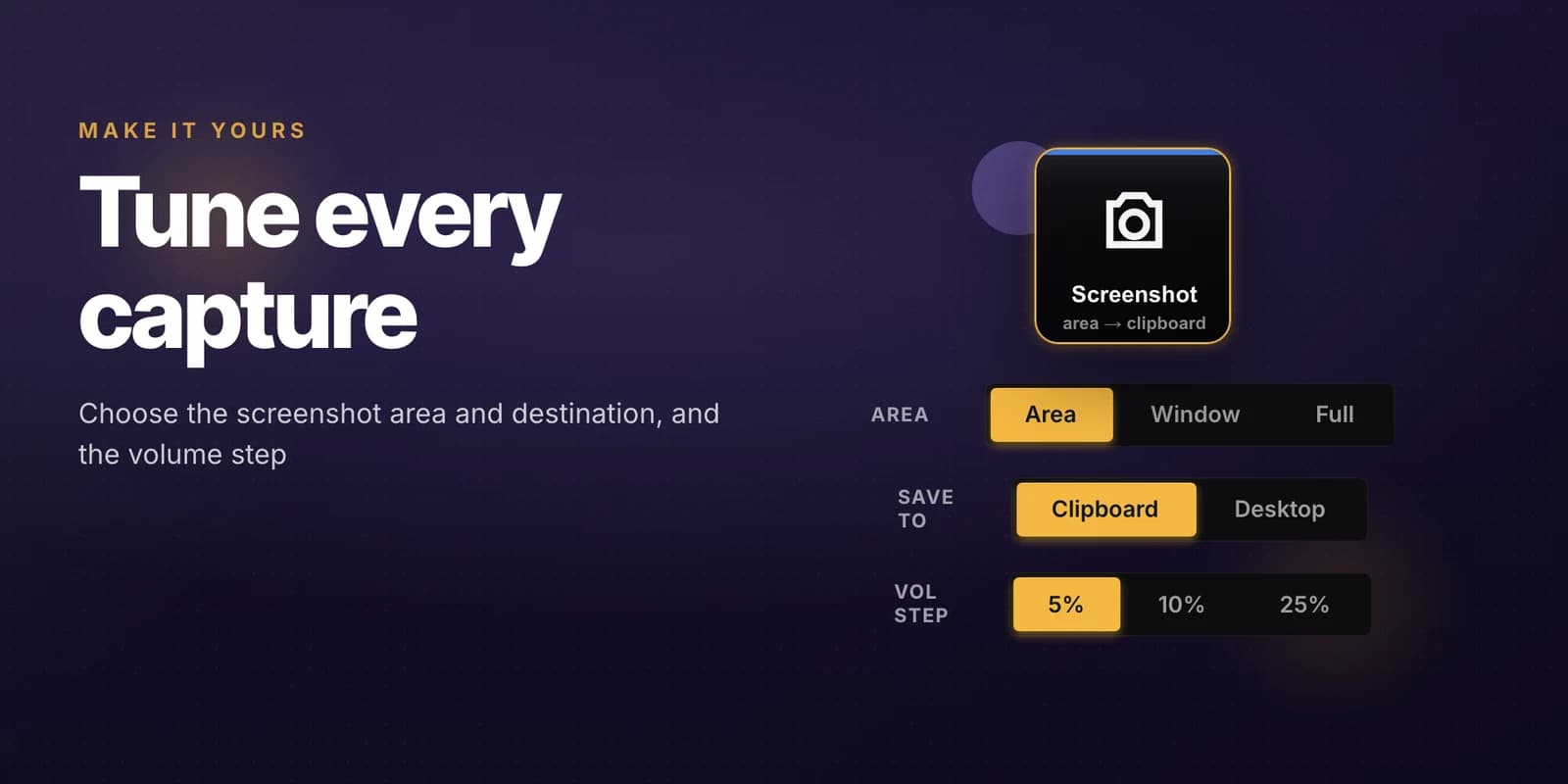
Capture an area, a window, or the full screen, to the clipboard or the Desktop - chosen per key.
Dial Support
Rotate a Stream Deck + dial to adjust the volume and press it to mute, or drive the same action from a standard key.
Use Cases
Clear the Desk
Hide or minimize every window with one press when someone walks over or a call starts.
Grab What Is On Screen
Copy a colour, a block of text, or a QR link out of the screen without opening another app.
Stay Awake for a Render
Keep the Mac from sleeping through a long export, then toggle it back off.
Dev Housekeeping
Flip hidden files, desktop icons, and Dark Mode from dedicated keys instead of Finder defaults.
Who it's For
Mac users with a Stream Deck - developers, creators, and anyone tired of digging through System Settings for a toggle they flip every day.
Ready to try Mac Control? See it in action.
Visit Mac ControlFAQ
Mac Control Lite is free and covers Eject All, Sleep, Wi-Fi, Volume, and Clear Clipboard. Mac Control Pro is a one-time purchase that adds twenty more actions, for 25 in all.
Keep Awake, live-state toggles for Dark Mode, Desktop Icons, Hidden Files, Dock Auto-hide, and Stage Manager, one-press Lock Screen, Empty Trash, Display Off, Screenshot, and Mic Mute, five window-management actions, and Vision capture for colour, text, and QR codes.
Every Lite action works with no permission prompts. Some Pro actions ask for a one-time Automation, Accessibility, or Screen Recording permission, and the plugin opens the exact System Settings pane for you when they do.
Pick Color copies any screen colour as a hex value, Capture Text OCRs a region to your clipboard, and Scan QR reads a QR or barcode either on screen or from a copied image.
macOS 10.15 or later and the Stream Deck app 6.9 or later. Stream Deck + dials are supported for volume.
Want something like Mac Control?
KUBERSTAR designed and built Mac Control. Tell us what you have in mind and the same team can build it for you.
More to Explore
 Mac Bluetooth
Run your whole Bluetooth desk from Stream Deck keys on macOS - connect devices, switch sound output and input, mute the mic, and see battery at a glance.
 GPT Deck
A Stream Deck plugin that sends a prompt plus your selected or copied text straight to ChatGPT from a single key, and brings the reply back where possible.
 Notion Deck
Single-tap Notion for Stream Deck - capture into any database, navigate your workspace, and live-count records from physical buttons, with no modals.
 A Kuberstar Product