 GPT Deck
ChatGPT prompts for Stream Deck
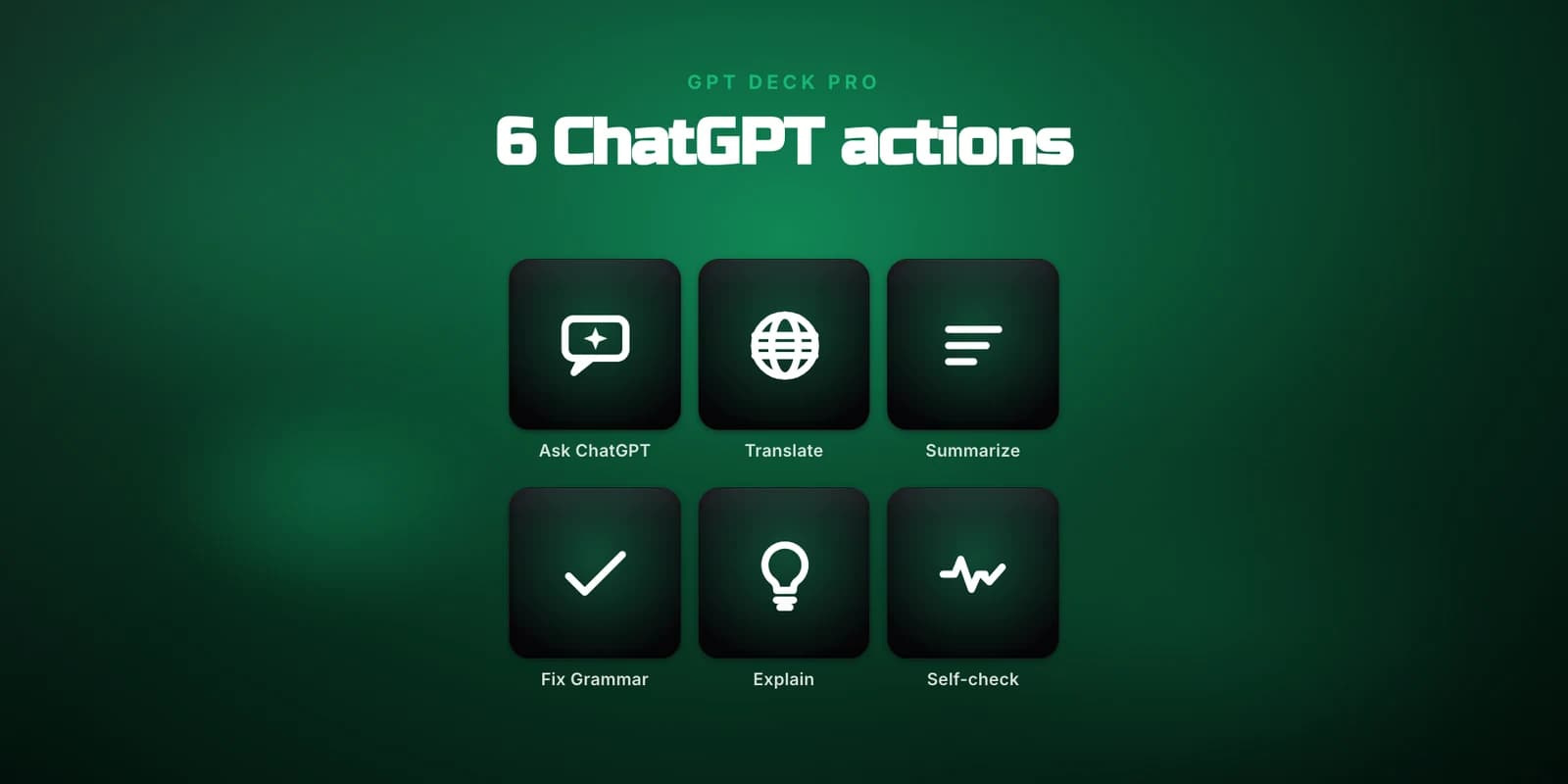
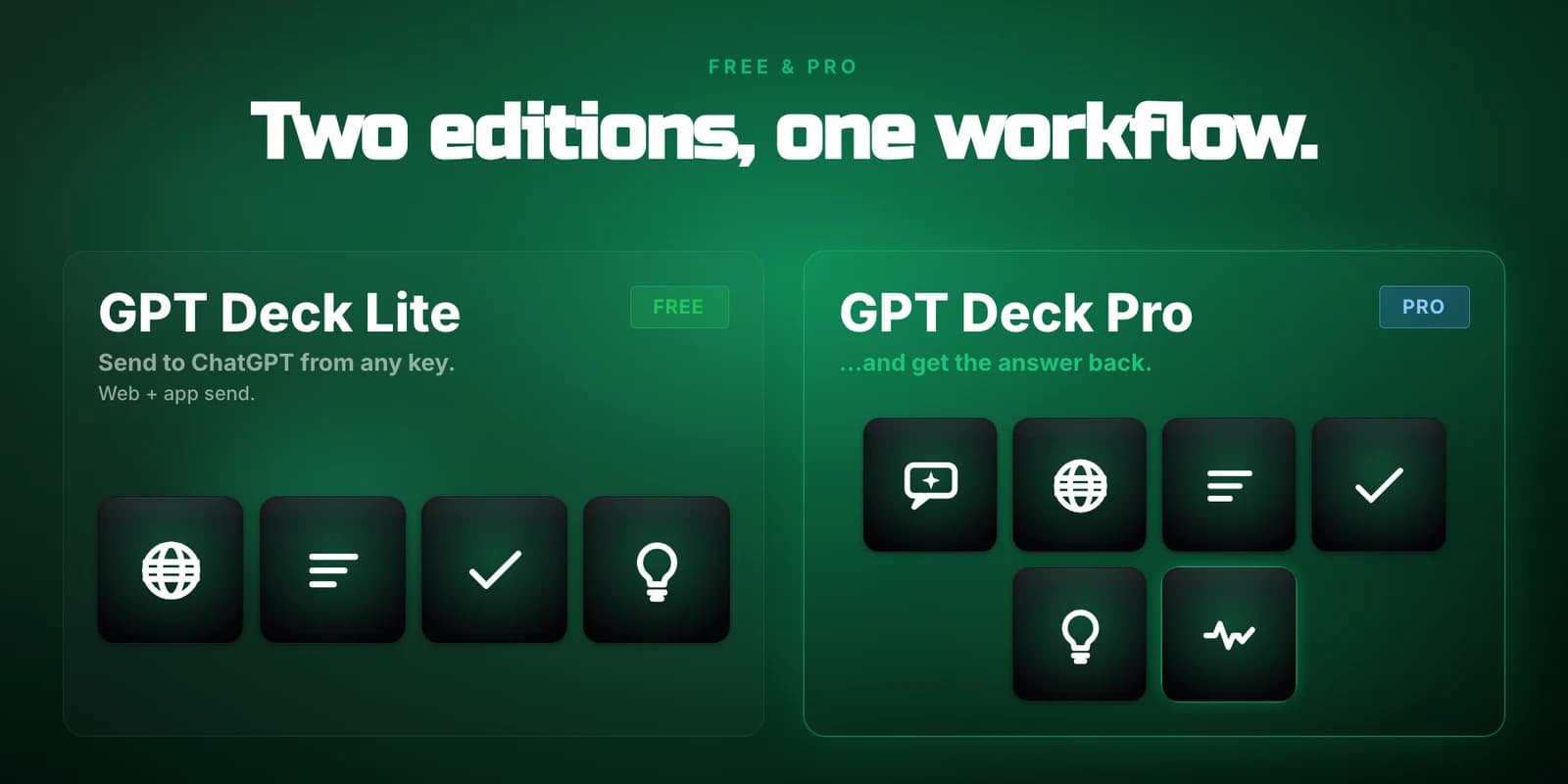
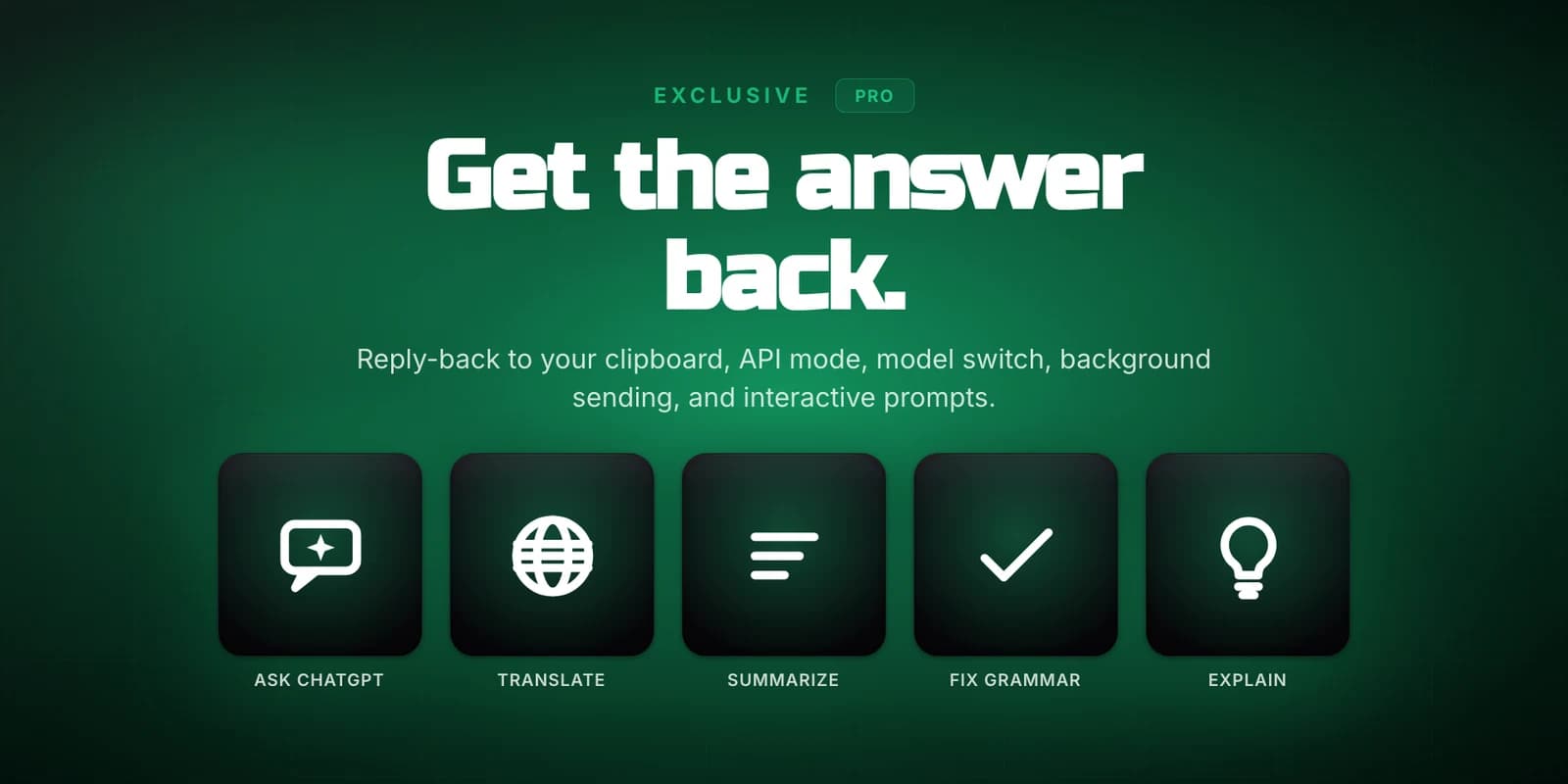
GPT Deck turns Stream Deck keys into one-tap ChatGPT shortcuts. GPT Deck Lite (free) ships four fixed-purpose preset keys - Translate, Summarize, Fix Grammar, and Explain - with locked prompts, delivered through your browser with no API key required, plus an experimental mode that drives the ChatGPT desktop app. GPT Deck Pro adds the fully customizable Ask ChatGPT key, editable prompts on every key, reply-back to your clipboard, OpenAI API mode, model switching, background sending, interactive fill-in prompts, and a Self-check diagnostic key. It runs on macOS 13+ and Windows 10+ with the Stream Deck app 6.9 or later.
Add an Action
Drag a GPT Deck action onto any Stream Deck key.
Set the Prompt
Use a fixed Lite preset, or with GPT Deck Pro edit the prompt and choose how the text is captured.
Press the Key
Highlight or copy text in any app, then press your key.
Get the Reply
ChatGPT comes forward with your prompt submitted, and the answer returns where the mode supports it.
One-Key Prompts
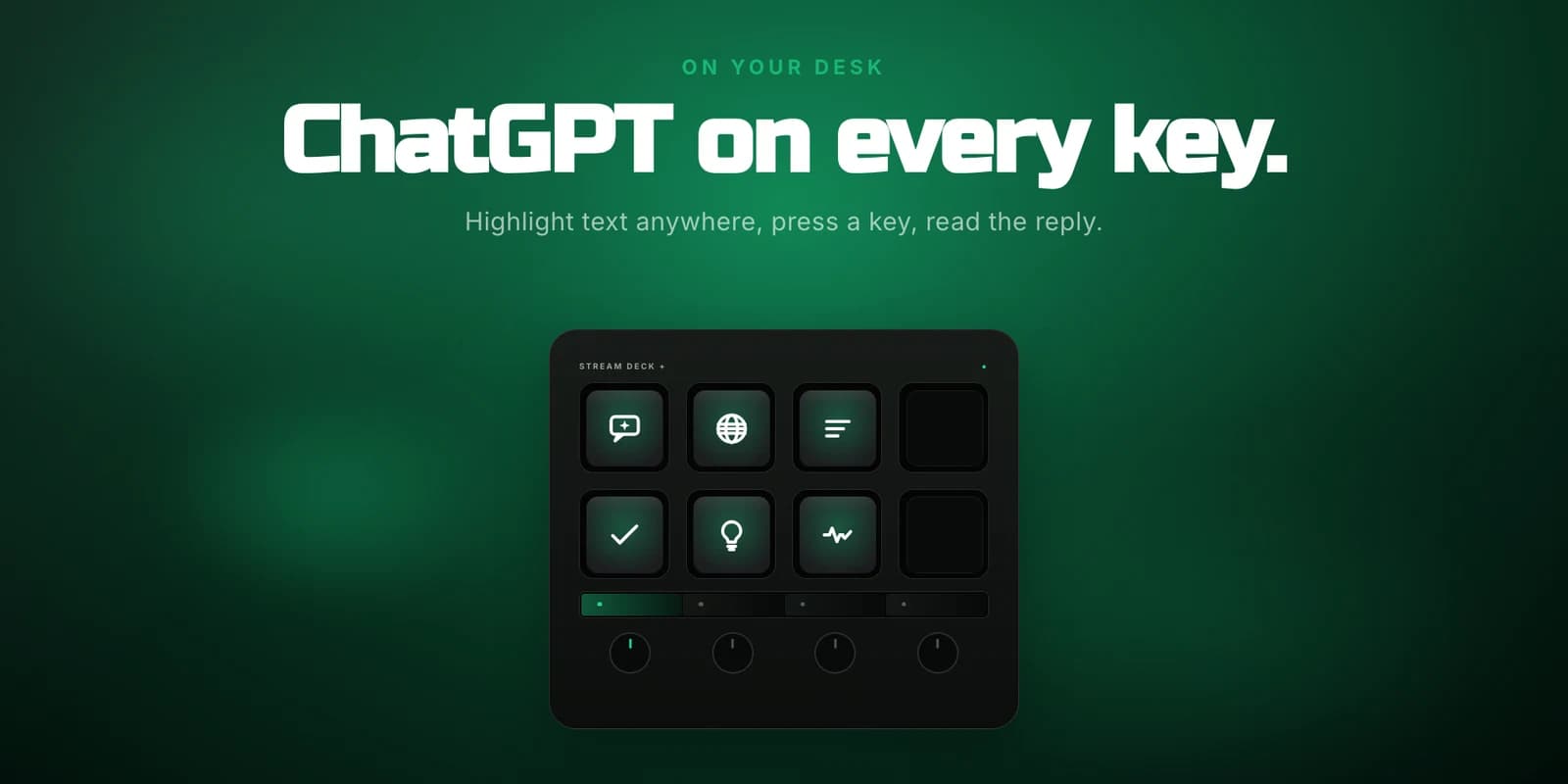
Highlight text in any app, press a key, and your prompt plus that text is on its way to ChatGPT.
Four Free Preset Keys
GPT Deck Lite ships fixed-purpose Translate, Summarize, Fix Grammar, and Explain keys with locked prompts - free, no setup, no API key.
Custom Ask ChatGPT Key
GPT Deck Pro unlocks the fully customizable Ask ChatGPT key and editable prompts on every key.
Three Delivery Modes
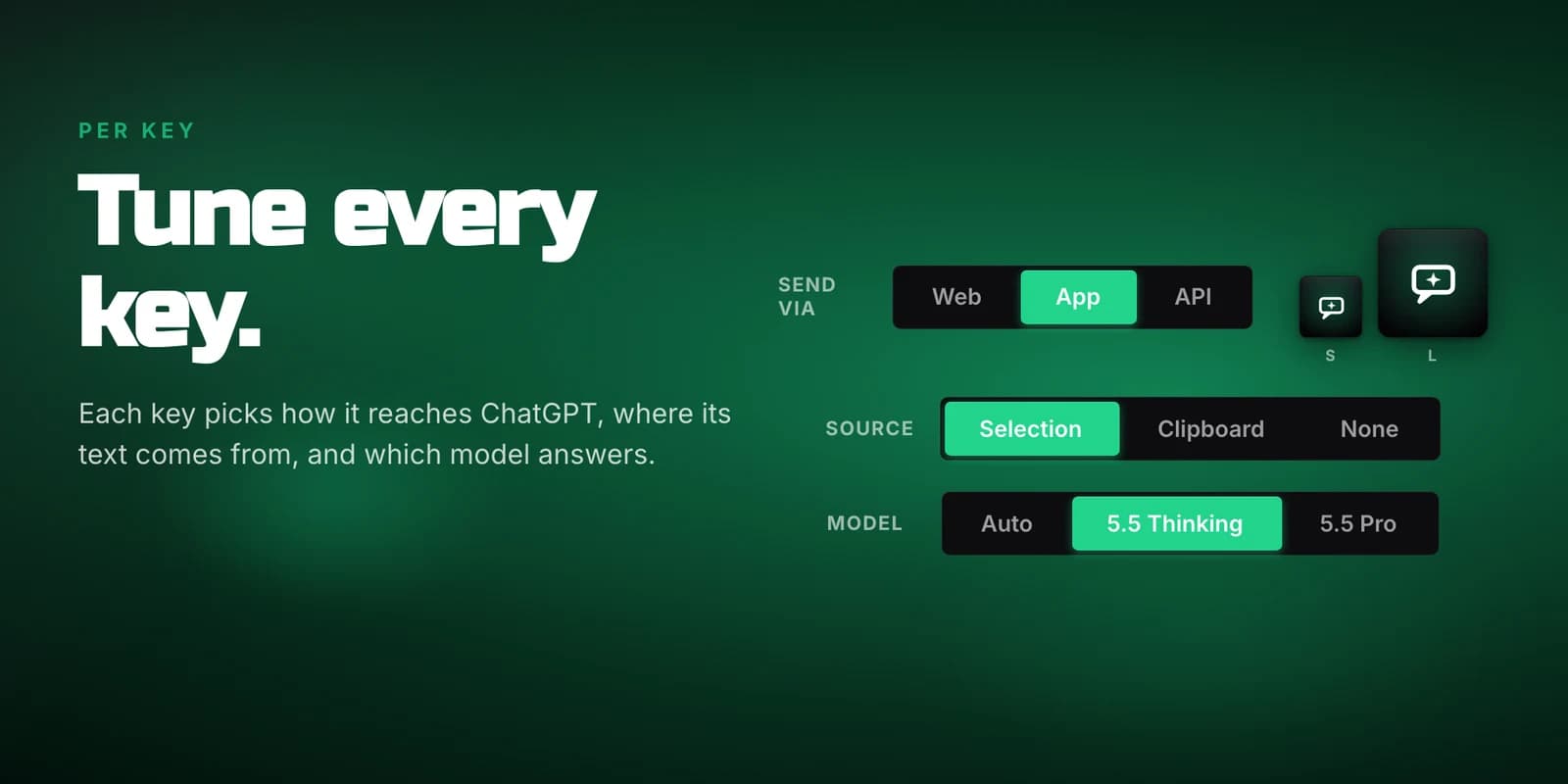
Send through the ChatGPT desktop app, your default browser, or the OpenAI API - pick the path per key (API mode is Pro).
No Extra Cost by Default
Lite rides your existing ChatGPT session, so there is no API key to manage and no extra bill.
Reply Back to You
GPT Deck Pro copies the finished answer straight to your clipboard in app mode on macOS and in API mode.
Custom Prompt Templates
GPT Deck Pro lets you weave your selection into any prompt with a placeholder, and choose selection, clipboard, or prompt-only as the source.
GPT Deck Lite
Free- Four fixed-purpose preset keys - Translate, Summarize, Fix Grammar, and Explain - with locked prompts
- Delivery through the browser at chatgpt.com, plus an experimental mode that drives the ChatGPT desktop app
- No API key and no extra cost - it rides your existing ChatGPT session
GPT Deck Pro
Paid- Everything in Lite, plus a fully customizable Ask ChatGPT key
- Editable prompts on every key
- The reply comes back on your clipboard
- OpenAI API mode and model switching
- Background sending and interactive fill-in prompts
- A Self-check diagnostic key
- The ChatGPT desktop app, or a browser signed in to chatgpt.com
- An OpenAI API key (optional - only for API mode)
- macOS 13+ or Windows 10+
- Stream Deck app 6.9 or later
Grant Stream Deck Accessibility access on macOS
On macOS, App mode and the Selection text source send keystrokes, so the Stream Deck app needs Accessibility access. Open System Settings > Privacy & Security > Accessibility and turn on Stream Deck. Without it those keys do nothing. Web and API modes need no permission.
A key shows a warning triangle
If a key shows a warning triangle and nothing happens when you press it, check Accessibility first - that is the most common cause on macOS. Confirm the ChatGPT desktop app or a browser signed in to chatgpt.com is available for the delivery mode the key uses, and that the Stream Deck app is version 6.9 or later.
Still stuck?
If a key still will not work after checking the above, get in touch through the contact page and tell us your operating system and Stream Deck app version. We read every message.
What do I need to run GPT Deck?
The Stream Deck app 6.9 or later on macOS 13+ or Windows 10+, plus the ChatGPT desktop app or a browser signed in to chatgpt.com. An OpenAI API key is optional and only needed if you use API mode.
Do I need an OpenAI API key to use GPT Deck?
No. GPT Deck Lite rides your existing ChatGPT session in your browser, so there is no API key to manage and no extra bill. An OpenAI API delivery mode is available per key in GPT Deck Pro if you prefer it.
What is the difference between GPT Deck Lite and GPT Deck Pro?
GPT Deck Lite (free) ships four fixed-purpose preset keys - Translate, Summarize, Fix Grammar, and Explain - with locked prompts, delivered through your browser, with an experimental App mode for the ChatGPT desktop app. There is no custom Ask ChatGPT key in Lite and the preset prompts are not editable. GPT Deck Pro adds the fully customizable Ask ChatGPT key, editable prompts on every key, the reply coming back on your clipboard, OpenAI API mode, model switching, background sending, interactive fill-in prompts, and a Self-check diagnostic key.
How does GPT Deck send my text to ChatGPT?
Highlight or copy text in any app and press a key. GPT Deck sends your saved prompt together with that text to ChatGPT, choosing per key whether to deliver through the ChatGPT desktop app, your default browser, or the OpenAI API.
A GPT Deck key shows a warning triangle and nothing happens. How do I fix it?
On macOS, App mode and the Selection text source send keystrokes, so the Stream Deck app needs Accessibility access. Open System Settings > Privacy & Security > Accessibility and turn on Stream Deck. Without it those keys do nothing. Web and API modes need no permission, so if a key warns, check Accessibility first.
Where can I get GPT Deck?
GPT Deck is live on the Elgato Marketplace. GPT Deck Lite is free to install, and GPT Deck Pro is a one-time purchase that unlocks the custom Ask ChatGPT key, editable prompts, reply-back, API mode, and more. Add either to any Stream Deck key from the Marketplace.
Want something like GPT Deck?
KUBERSTAR designed and built GPT Deck. Tell us what you have in mind and the same team can build it for you.
 A Kuberstar Product