 AskFormulas
AI Excel & Google Sheets Formulas
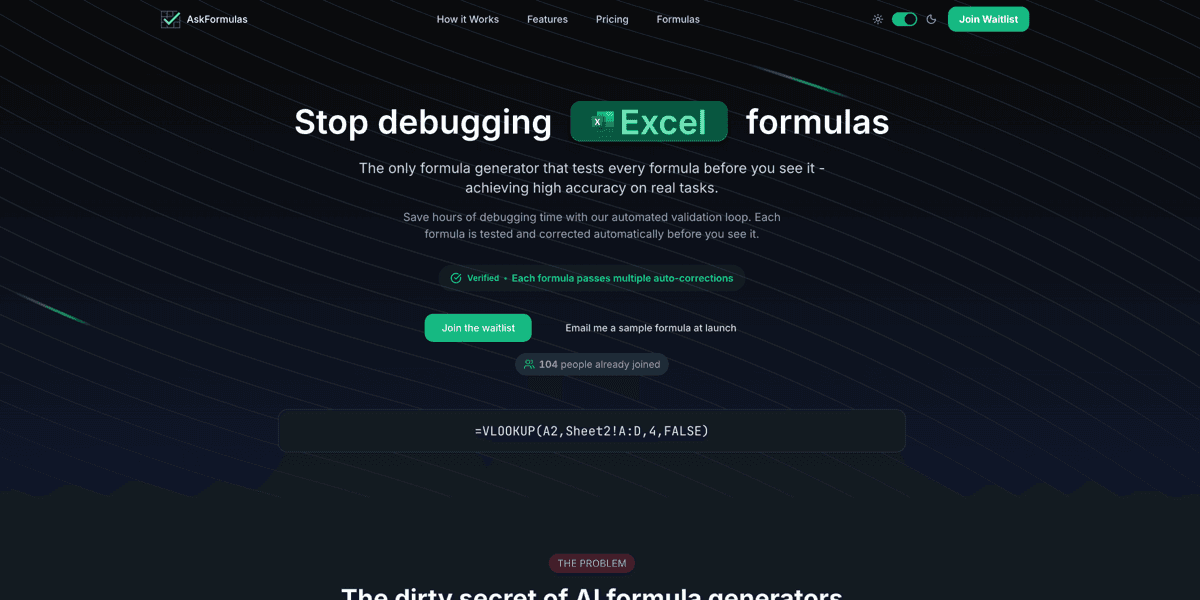
Most AI formula generators hand you something that looks right and breaks in your sheet. AskFormulas closes that loop. Describe what you need in plain English, pick Excel or Google Sheets, and the formula is run against synthetic test data in a sandbox before it reaches you - if it errors, it is corrected and re-tested until it passes, and only then does it come back marked Verified. The syntax differences between the two platforms are handled for you, your recent formulas are kept in a history you can return to, and paid plans scale by how many formulas you generate each month.
Highlights
How it Works
Describe Your Need
Write what you want the formula to do in plain English - one input field, no options to configure.
Pick Your Platform
Toggle between Excel and Google Sheets and the generated syntax adapts to match.
Get a Validated Formula
The formula runs against test data in a sandbox and is auto-corrected until it passes, then comes back marked Verified.
Copy and Use
One click copies it to your clipboard, ready to paste into the sheet.
Features
Sandbox Validation Loop
Every formula is executed against synthetic test data before you see it. Errors are corrected and re-tested automatically, so what lands in your clipboard already ran clean once.
Plain-English Input
Describe the result you want in a single sentence. No syntax knowledge, no nested-function puzzle, no forms full of options.
Excel or Google Sheets
One toggle switches the target platform and the generated syntax adapts with it, so the same request works in either spreadsheet.
Verified Badge
A formula is only marked Verified once it has passed validation, so you can tell at a glance whether it was actually tested or merely generated.
Formula History
Your recent formulas are saved automatically, so a formula you generated last week is one click away instead of being retyped.
One-Click Copy
Copy the validated formula and paste it straight into your spreadsheet - from request to working cell in seconds.
Use Cases
Stop Debugging Formulas
Get a lookup, a conditional sum, or a nested formula that runs the first time instead of returning #REF! and costing you an afternoon.
Cross-Platform Sheets
Move the same reporting logic between Excel and Google Sheets without hand-translating the syntax each way.
Non-Technical Teams
Let anyone who can describe the result in a sentence build the formula, without waiting on the one person who knows spreadsheets.
Who it's For
Analysts, operators, finance and marketing teams, and anyone who lives in Excel or Google Sheets and loses time debugging formulas that were generated but never tested.
Ready to try AskFormulas? See it in action.
Visit AskFormulasFAQ
It generates spreadsheet formulas for Excel and Google Sheets from a plain-English description, and tests each one in a sandbox against synthetic data before showing it to you.
A chatbot hands you a formula it never ran. AskFormulas executes the formula against test data, auto-corrects it when it errors, and re-tests until it passes - only then is it marked Verified.
Yes. One toggle switches the target platform and the generated syntax adapts with it, so the same request works in either spreadsheet.
Yes. Your recent formulas are saved automatically in a history you can return to, so nothing has to be retyped.
No. AskFormulas is a paid product with monthly plans scaled by how many formulas you generate, including a team tier. It is currently in pre-launch, so access starts from the waitlist.
Want something like AskFormulas?
KUBERSTAR designed and built AskFormulas. Tell us what you have in mind and the same team can build it for you.
More to Explore
 OpsBird
Stop debugging by hand. AI-driven incident response for Kubernetes that enriches every Alertmanager alert with live cluster context and finds the root cause.
 ContentForge
Content automation platform. Aggregates from RSS, Telegram, and X, runs posts through AI pipelines, and auto-publishes to Telegram and Facebook.
 AriSend
AI sales rep that handles Facebook, Instagram, WhatsApp, and Telegram chats 24/7 - qualifying leads, booking appointments, and closing sales while you sleep.
 A Kuberstar Product