
Every image tool,
one tap away.
Pixrim is a fast, private image toolkit for iPhone and iPad. Convert between HEIC, JPG, PNG, WebP, AVIF, TIFF and BMP, turn photos into a PDF or a PDF back into images, compress, resize, crop, watermark and set print DPI - all on your device. Your photos never leave it.
- On-device
- No account
- Free to download
Works with the formats you actually use.
One app for every image chore.
The toolkit you reach for again and again - converting, shrinking, resizing, and prepping images for print, without sending a single photo to the cloud.
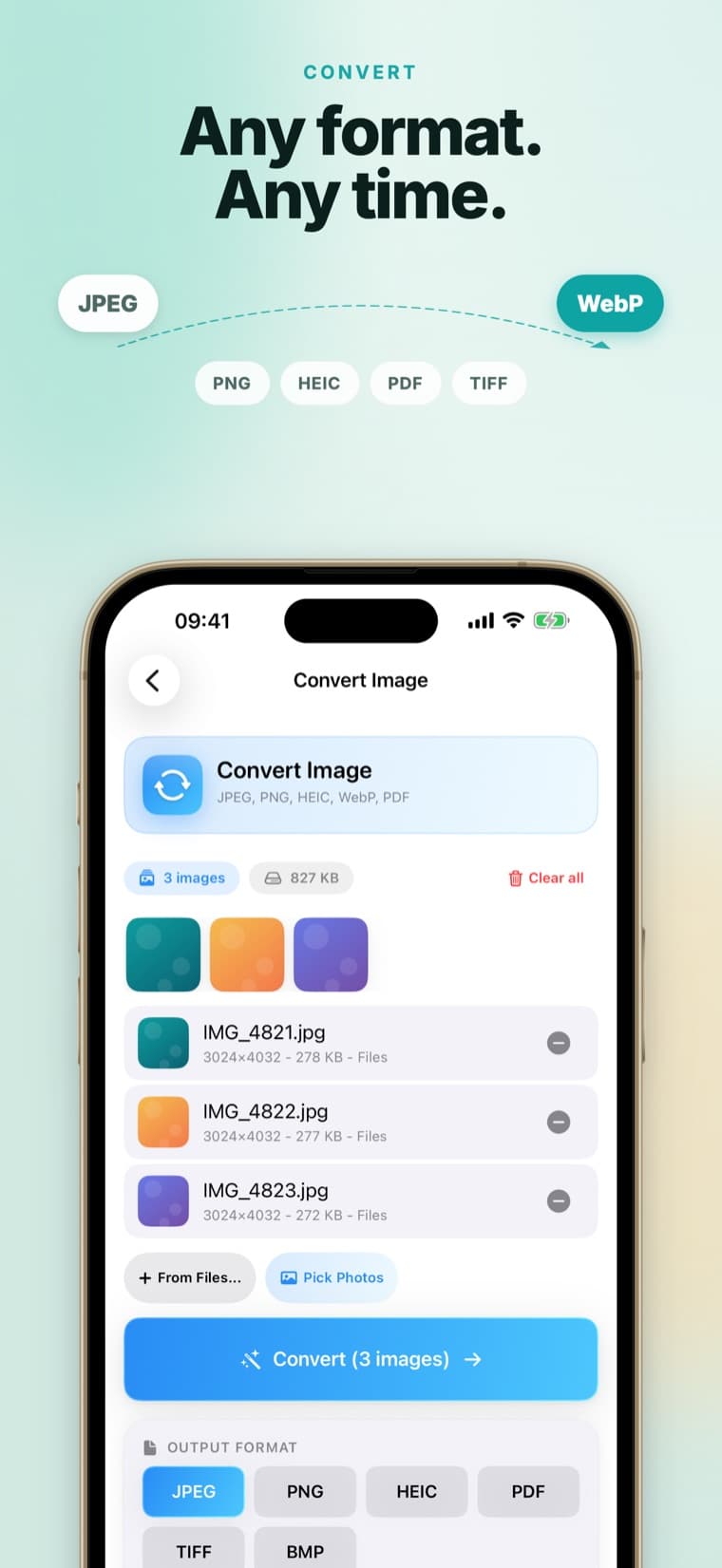
Convert
Move between HEIC, JPG, PNG, WebP, AVIF, TIFF and BMP in a couple of taps.
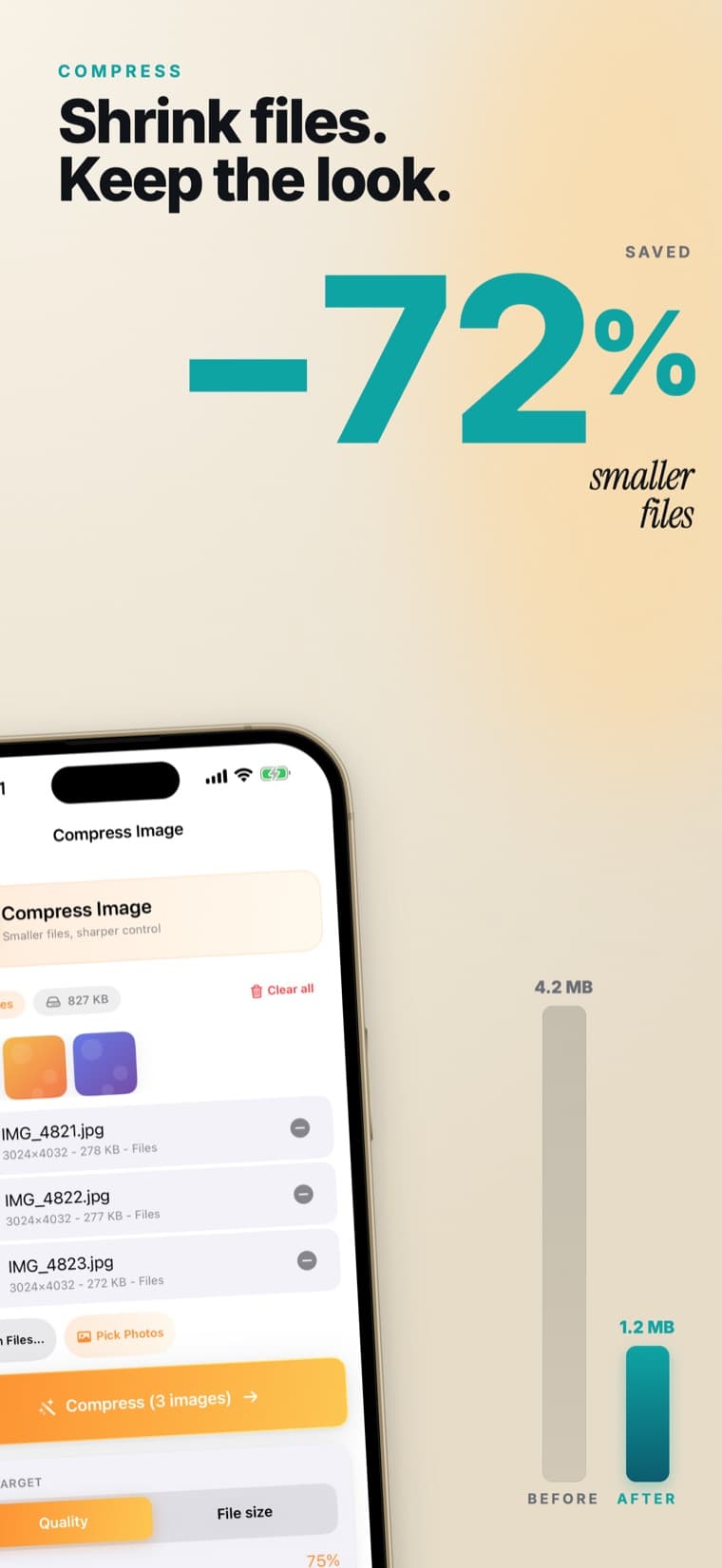
Compress
Shrink file size while keeping images looking sharp.
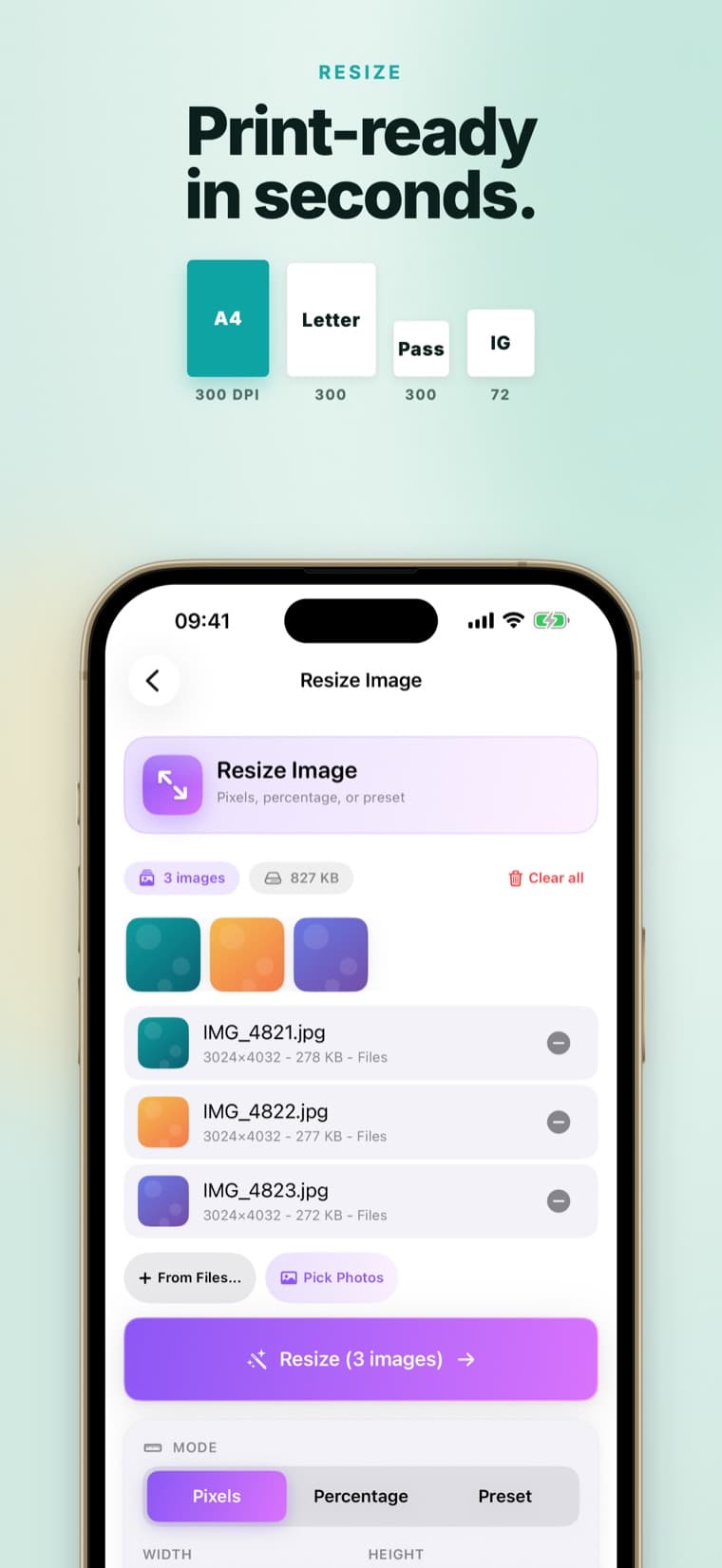
Resize
Hit exact pixel dimensions or print-ready presets like A4 and US Letter.
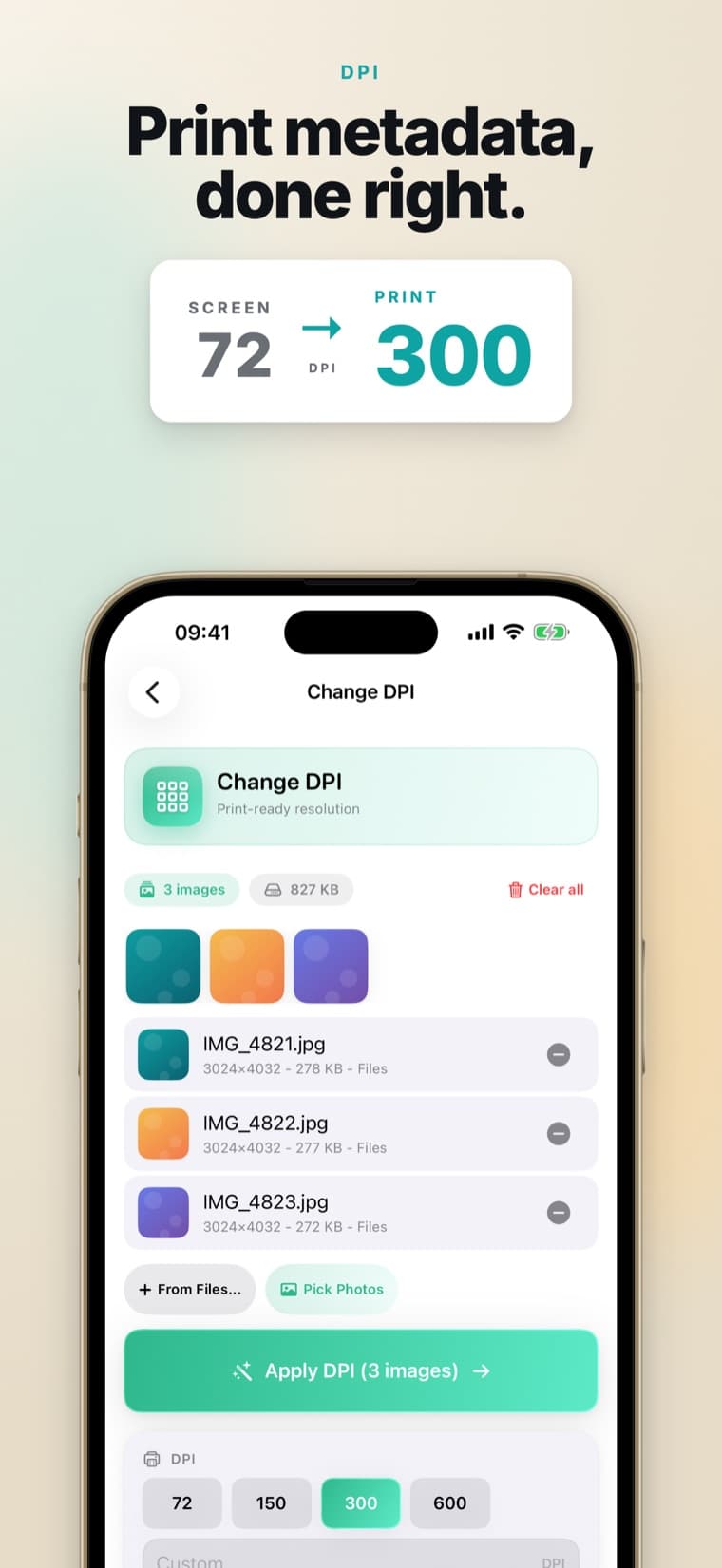
Change DPI
Set print-resolution metadata without touching pixel dimensions.
PDF both ways
Combine photos into one multi-page PDF, or turn a PDF's pages back into images.
Crop & watermark
Crop to the frame you want, and add a text or logo watermark with control over position, size and opacity.
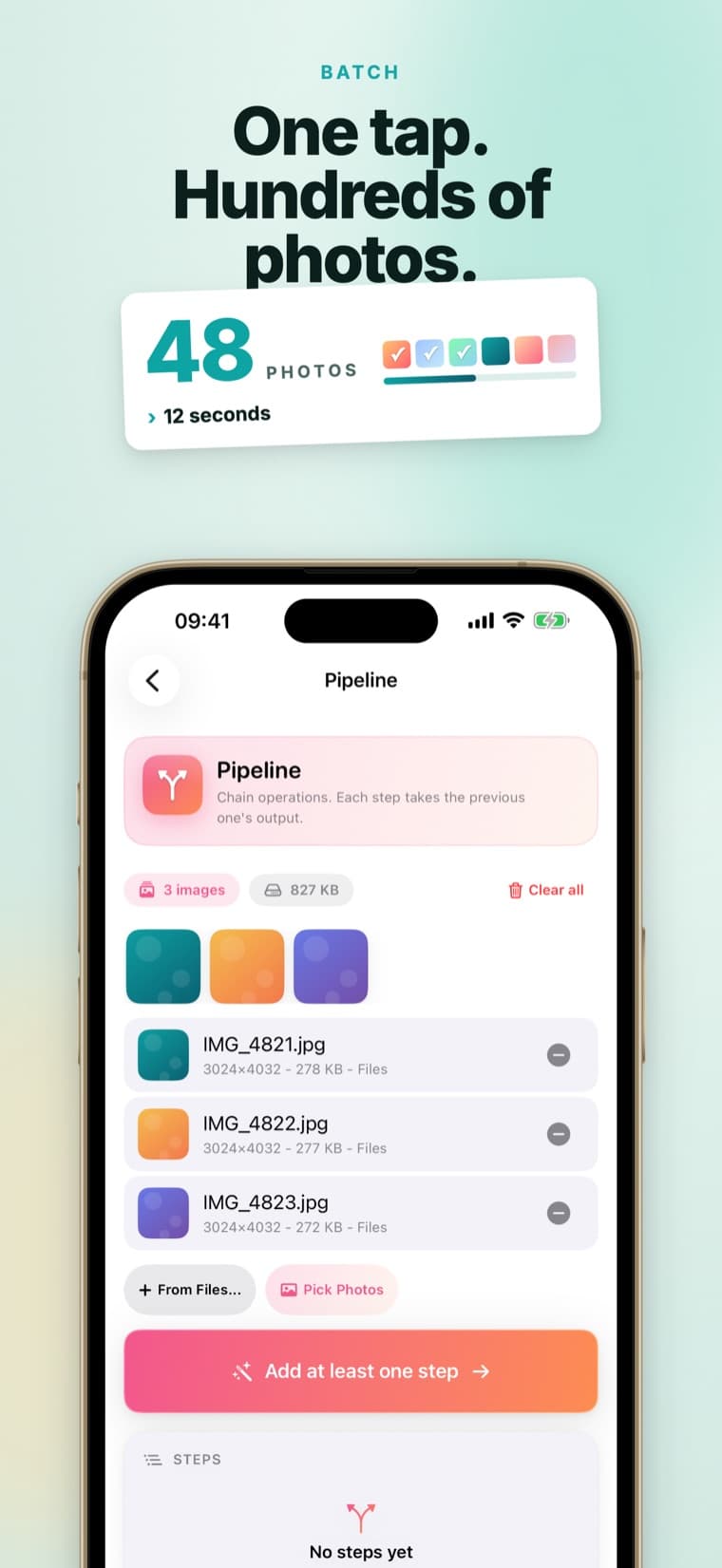
Batch tools
Process many photos at once instead of one at a time.
Private by design
Everything runs on-device with Apple frameworks. Nothing is uploaded.
Three taps, start to finish.
Pick your photos
Import straight from Photos or Files - a single image or a whole batch.
Choose a tool
Convert, compress, resize, or change DPI, then fine-tune the settings you need.
Save or share
Export back to Photos or Files. Every step runs on your device - nothing is uploaded.
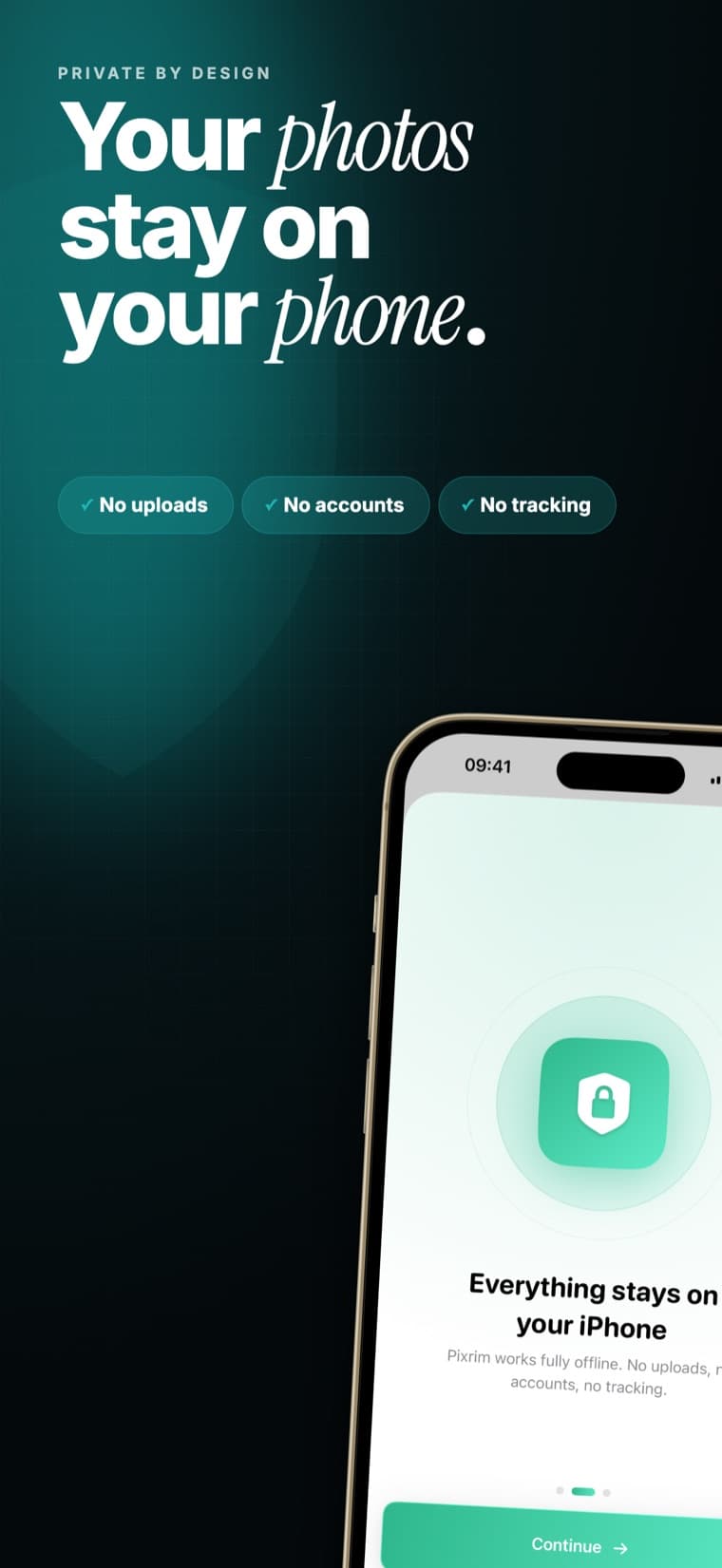
Your photos stay on your device.
Pixrim works fully offline. Every conversion, resize, and compression runs on-device with Apple frameworks - so nothing is uploaded, and there is nothing to leak.
- No uploads
- No accounts
- No tracking
Pixrim Pro
Unlock every format and remove limits with Pixrim Pro - a one-time purchase or a yearly subscription. The core tools stay free, so you can start converting right away.
Available as an in-app purchase
Questions, answered.
The core tools are free. Pixrim Pro - available as a one-time purchase or a yearly subscription - unlocks every format and removes limits.
No. Every operation runs on-device with Apple frameworks, so your photos never leave your iPhone or iPad - no uploads, no accounts, nothing to leak.
It converts between HEIC, JPG, JPEG, PNG, WebP, AVIF, TIFF and BMP in a couple of taps, with batch support for whole photo sets. It also works with PDF in both directions: combine photos into one multi-page PDF, or open a PDF and turn its pages back into images.
Yes. Because everything runs locally on the device, Pixrim works fully offline.
Yes. You can compress files to save space, resize to exact pixel dimensions or a print preset, crop, add a text or logo watermark, and change print DPI so images are ready for documents and physical printing.
Pixrim runs on iPhone and iPad with iOS or iPadOS 17 or later. If a feature is not working on your device, email us the model and system version and we will look into it.
Open Pixrim, go to Settings inside the app, and tap Restore Purchases. Your Pixrim Pro access is tied to your Apple Account, so it restores on any device signed in with the same account.
Subscriptions are managed by Apple, not by us. On your iPhone open Settings, tap your name, then Subscriptions, or visit apps.apple.com/account/subscriptions. Canceling stops future renewals; you keep access until the current period ends.
Pixrim has no accounts and collects no personal data, so there is nothing stored on our side to delete. Deleting the app from your device removes any temporary files it created.
Get Pixrim for iPhone and iPad.
Fast, private image conversion that lives on your device. Free to download, no account required.
 A Kuberstar Product